Best App for Worship Leaders
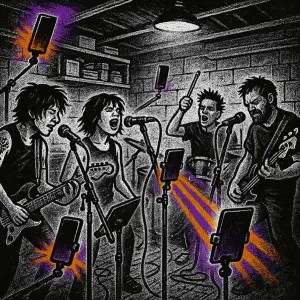
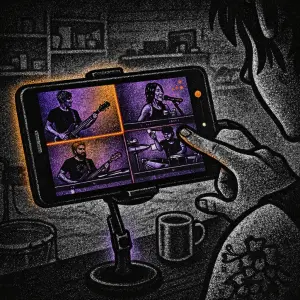
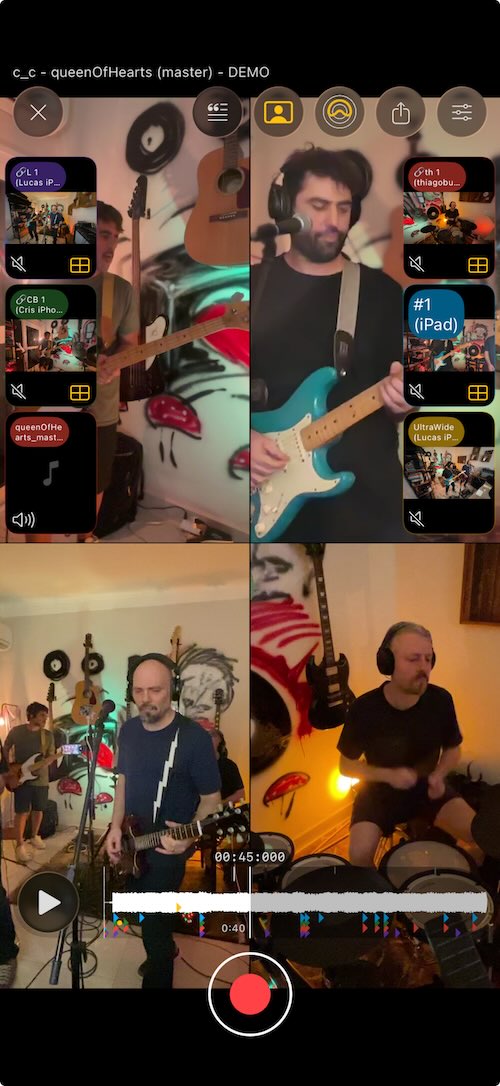
SONGTAKE is the best app for worship leaders because you can record the whole team in multitrack with a phone near each player, split songs into stems to build practice tracks, and film the set for multiple synced angles. It is free to download and works with the gear you already own.
This is YOU?
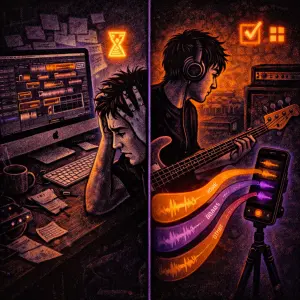
Building practice tracks means hunting for stems you do not have.
Volunteers arrive unprepared with no reference to learn from.
Filming the set and recording it well takes two setups.
Rehearsal recordings scatter with no shared home for the team.
Pro Tip: TIP: SONGTAKE records the whole team in multitrack with a phone near each musician, splits songs into stems so you can build practice tracks, and films the set from multiple synced angles.
Frequently Asked Questions
What is the best app for worship leaders?
SONGTAKE suits worship leaders because it records the whole team in multitrack with a phone near each musician, splits songs into stems for practice tracks, and films the set from multiple synced angles. It is free to download.
How do I build practice tracks for my team?
Use AI stem splitting to separate a song into vocals, drums, bass, and other, then share the parts your team needs so each volunteer can rehearse to a clear reference.
How do I record the whole worship team?
Place a phone near each musician, tap once, and multi-phone recording captures each as a dedicated mic. The phones auto-sync into one balanced multitrack take.
Can volunteers learn their parts at home?
Yes. Share a rehearsal by link and use stem splitting so each member can isolate and study exactly their part before the service.
Is SONGTAKE free for worship leaders?
Yes. SONGTAKE is free to download and works with the phones and gear your team already owns, so you can record rehearsals and build tracks at no cost.
What makes SONGTAKE different from voice memos?
SONGTAKE records in true stereo with automatic cloud backup, project organization, and multi-track capabilities. Unlike voice memos that create a graveyard of unnamed files, SONGTAKE keeps everything organized, synced across devices, and ready to develop into full productions.
Can I use SONGTAKE with just one phone?
Absolutely! SONGTAKE works perfectly with a single phone for recording arrangements, backing vocals, and layered instruments. While multiple phones provide multi-angle coverage and better isolation, one phone is sufficient to create professional multi-track recordings with video overdubbing.
Can I use SONGTAKE for professional music recording?
Absolutely! SONGTAKE allows you to effortlessly move from mobile recording to professional desktop production. Begin capturing your song ideas on your iPhone, then open the same project on a Mac with a 64-channel interface for mixing and mastering. It's the perfect tool to transform your inspiration into a polished production.
How does multi-phone recording work?
Place phones near each instrument for dedicated microphones. One tap starts all phones simultaneously, and they automatically sync after recording. No manual alignment needed—just position phones, hit record, and get professional multi-track isolation from devices you already own.
Ready to Get Started?
Download SONGTAKE and start recording professional-quality music today. No credit card required.
Built by musicians who were tired of voice-memo graveyards.