How to Merge and Combine Multiple Videos into One on iPhone
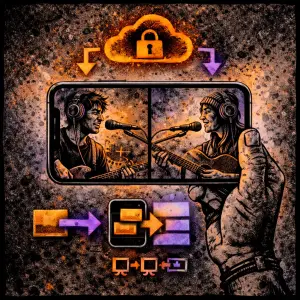
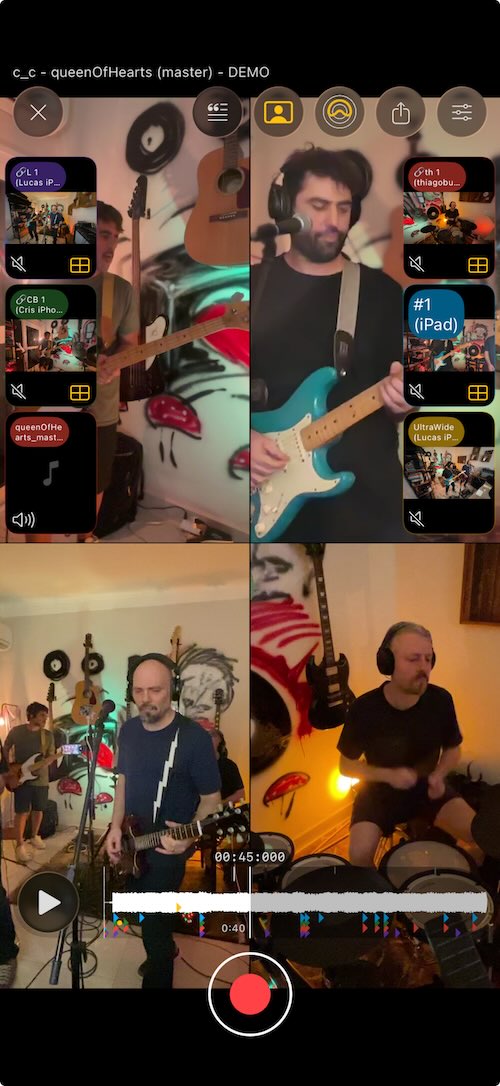
This page explains how to merge and combine multiple videos into one on iPhone in SONGTAKE—multiple phones record; all merge into one synced recording—for multi-angle video without manual merging.

This is YOU?
Trying to combine videos from different recordings creates sync issues.
Can't merge videos from multiple iPhones easily.
Video editing apps require complex timeline work to combine clips.
Apple Support shows "How to combine videos on iPhone" but it's just basic merging, not synced multi-angle.
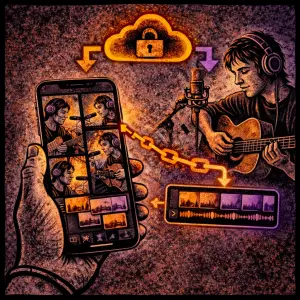
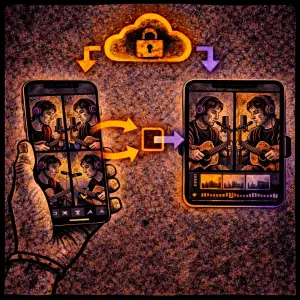
Pro Tip: TIP: SONGTAKE automatically merges and combines multiple videos from different iPhones into one perfectly synced recording—no manual alignment, no timeline editing, just automatic video merging with perfect sync.
Frequently Asked Questions
How do I merge multiple videos into one on iPhone?
Use SONGTAKE! Record with multiple iPhones simultaneously, and SONGTAKE automatically merges and combines all videos into one perfectly synced recording. No manual alignment, no timeline editing—just automatic merging with perfect sync.
Can I combine videos from different iPhones?
Yes! SONGTAKE automatically combines videos from multiple iPhones simultaneously. Each phone's video merges perfectly with all others using automatic sync—no complex editing needed.
Will merged videos stay in sync?
Absolutely! SONGTAKE ensures all merged videos sync perfectly using advanced audio fingerprinting. No drift, no timing issues—just automatic perfect sync in one combined video.
How many videos can I merge together?
SONGTAKE supports merging multiple videos from multiple iPhones simultaneously. Record with as many phones as you have—each video merges perfectly with all others automatically.
Can I export the merged video?
Yes! Export the merged video as one file or switch between angles. Create seamless multi-angle videos or export individual angles for editing in Final Cut, Premiere, or other video editors.
What makes SONGTAKE different from voice memos?
SONGTAKE records in true stereo with automatic cloud backup, project organization, and multi-track capabilities. Unlike voice memos that create a graveyard of unnamed files, SONGTAKE keeps everything organized, synced across devices, and ready to develop into full productions.
Can I use SONGTAKE with just one phone?
Absolutely! SONGTAKE works perfectly with a single phone for recording arrangements, backing vocals, and layered instruments. While multiple phones provide multi-angle coverage and better isolation, one phone is sufficient to create professional multi-track recordings with video overdubbing.
Can I use SONGTAKE for professional music recording?
Absolutely! SONGTAKE allows you to effortlessly move from mobile recording to professional desktop production. Begin capturing your song ideas on your iPhone, then open the same project on a Mac with a 64-channel interface for mixing and mastering. It's the perfect tool to transform your inspiration into a polished production.
How does multi-phone recording work?
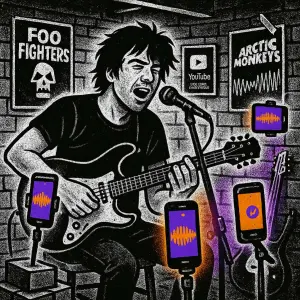
Place phones near each instrument for dedicated microphones. One tap starts all phones simultaneously, and they automatically sync after recording. No manual alignment needed—just position phones, hit record, and get professional multi-track isolation from devices you already own.
Ready to Get Started?
Download SONGTAKE and start recording professional-quality music today. No credit card required.
Built by musicians who were tired of voice-memo graveyards.