如何寫歌詞並組織歌曲想法
此頁面解釋如何在 SONGTAKE 中撰寫歌詞和整理歌曲想法——即時捕捉詩句、錄製自己唱歌、將歌詞與旋律和錄音存放在資料夾中——專注於想要一個地方存放歌詞和音樂的詞曲創作者。
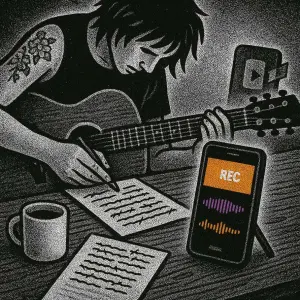
這是您嗎?
歌詞分散在筆記本、語音備忘錄和簡訊中。
不記得哪個版本的歌詞最先出現。
遺失的筆記本意味著遺失的歌曲。
無法將歌詞與它們所屬的旋律和錄音連接起來。
專業提示: 提示:SONGTAKE 讓您立即捕捉歌詞,錄製自己演唱它們,並將一切與旋律和錄音組織在一起—在一個地方完成歌詞寫作工作流程。
常見問題
如何將歌詞與我的歌曲錄音組織在一起?
錄製自己與旋律一起唱歌詞。將一切分組到資料夾中—歌詞、旋律和錄音都在一個地方。按時間順序查看您的文字如何與音樂一起演變。
我可以錄製多個版本的歌詞嗎?
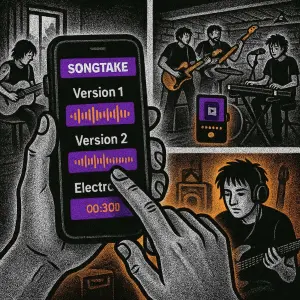
是的!錄製不同版本的歌詞並比較它們。查看您的文字如何從初稿演變為最終版本。一切都會標記時間戳記,因此您可以追蹤您的歌詞寫作過程。
如果我在不在筆記本附近時有歌詞想法怎麼辦?
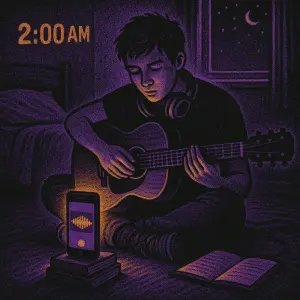
只需在手機上按下錄音!唱這一行、解釋想法或談論含義。SONGTAKE 立即捕捉一切—您可以稍後將其開發成完整歌詞。
如何找到我幾個月前寫的特定歌詞?
按日期、資料夾名稱或關鍵字搜尋。即使您沒有命名它,時間戳記也可以幫助您找到「週二早上的那個副歌歌詞」或「上個月的橋段歌詞」。
我可以與共同作者分享我的歌詞寫作過程嗎?
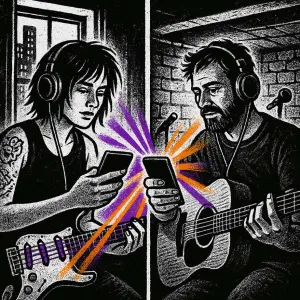
絕對可以!與合作者分享整個專案資料夾。他們看到您完整的歌詞寫作過程—所有版本、所有想法、所有演變。非常適合您都為同一首歌曲做出貢獻的共同創作會議。
我可以用SONGTAKE只用一部手機嗎?
當然可以!SONGTAKE 可以在單部手機上完美運作,用於錄製編曲、和聲及多層樂器。雖然多部手機能提供多角度覆蓋和更好的隔離效果,但一部手機已經足夠讓您創作專業的多軌錄音,並可進行視頻疊加錄製。
什麼讓SONGTAKE與語音備忘錄不同?
SONGTAKE以真正的立體聲錄製,並具有自動雲端備份、專案組織和多軌功能。與創建一個未命名檔案墓地的語音備忘錄不同,SONGTAKE保持一切有條理,同步於各裝置上,並準備好發展成完整的製作。
我能否使用SONGTAKE進行專業音樂錄音?
可以!SONGTAKE從手機錄音無縫過渡到專業桌面製作。先用iPhone記錄歌曲想法,然後在Mac上打開同一項目,搭配專業的64通道介面進行混音和母帶處理。它是靈感與製作的橋樑。
多手機錄音是如何工作的?
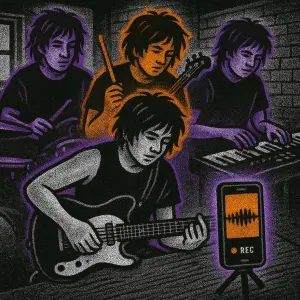
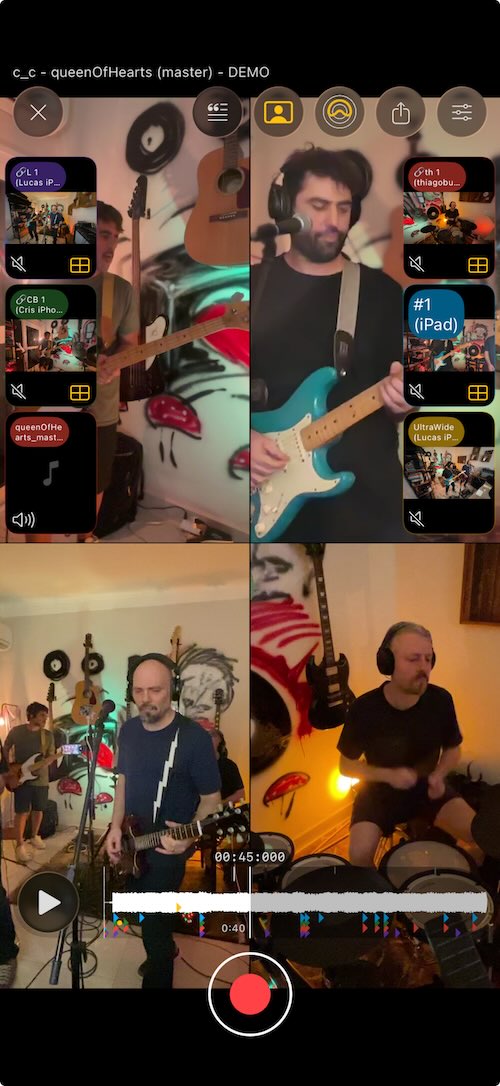
在每件樂器附近放置手機,作為專用麥克風。點擊一下即可同時開始所有手機的錄音,錄音後會自動同步。無需手動對齊——只要放置好手機,按下錄音,即可從您已擁有的設備中獲得專業的多軌隔離效果。
準備開始了嗎?
下載SONGTAKE,今天就開始錄製專業品質的音樂。無需信用卡。
由厭倦了語音備忘錄墓地的音樂人打造。