如何使用多個攝影角度直播音樂表演
This page explains how to live stream music with multiple camera angles in SONGTAKE—multiple phones as cameras, synced stereo audio, switch angles in real time—for musicians who want dynamic streams without expensive switching gear. (Note: live streaming is a planned feature.)
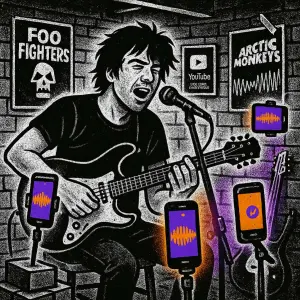
這是您嗎?
專業的多攝影機直播設置要花數千美元。
嘗試手動同步多部手機是一場噩夢。
來自直播應用程式的音訊品質聽起來很糟糕。
無法在直播期間切換攝影角度。
專業提示: 提示:SONGTAKE 自動將多部手機同步為攝影機,捕捉專業立體聲音訊,並讓您即時切換角度,無需昂貴設備即可進行動態直播。
常見問題
如何為直播設置多個攝影角度?
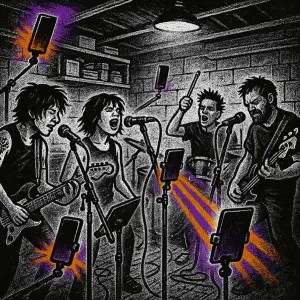
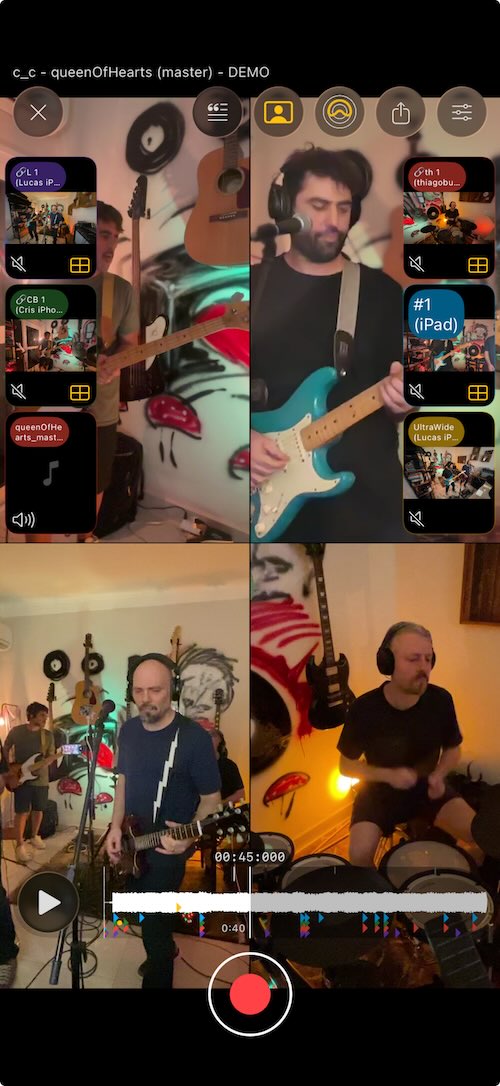
在您的表演空間周圍放置多部手機—一個用於廣角,一個用於特寫,一個用於俯視等。SONGTAKE 自動同步它們。在直播期間切換角度,創建動態、專業的內容。
音訊品質是否足以用於直播?
是的!每部手機捕捉真正的立體聲音訊。策略性地將手機放在樂器和人聲附近,以獲得專業音質。許多音樂家使用 SONGTAKE 進行整個直播設置。
我可以在直播期間切換攝影角度嗎?
是的!SONGTAKE 讓您即時在同步的攝影角度之間切換。從廣角到特寫再到俯視,只需一按—無需昂貴的切換設備即可創建動態直播。
如果我的 WiFi 在直播期間不穩定怎麼辦?
SONGTAKE 首先本地錄音,因此即使 WiFi 不佳,您的直播也會被捕捉。當連接改善時,一切都會同步和上傳。您永遠不會因為網路問題而失去表演。
我可以稍後將直播錄音用於其他內容嗎?
絕對可以!每次直播都會自動錄製和備份。匯出片段用於社交媒體,創建精彩片段,或將完整的多攝影機錄音重新用於 YouTube 或其他平台。
我可以用SONGTAKE只用一部手機嗎?
當然可以!SONGTAKE 可以在單部手機上完美運作,用於錄製編曲、和聲及多層樂器。雖然多部手機能提供多角度覆蓋和更好的隔離效果,但一部手機已經足夠讓您創作專業的多軌錄音,並可進行視頻疊加錄製。
什麼讓SONGTAKE與語音備忘錄不同?
SONGTAKE以真正的立體聲錄製,並具有自動雲端備份、專案組織和多軌功能。與創建一個未命名檔案墓地的語音備忘錄不同,SONGTAKE保持一切有條理,同步於各裝置上,並準備好發展成完整的製作。
我能否使用SONGTAKE進行專業音樂錄音?
可以!SONGTAKE從手機錄音無縫過渡到專業桌面製作。先用iPhone記錄歌曲想法,然後在Mac上打開同一項目,搭配專業的64通道介面進行混音和母帶處理。它是靈感與製作的橋樑。
多手機錄音是如何工作的?
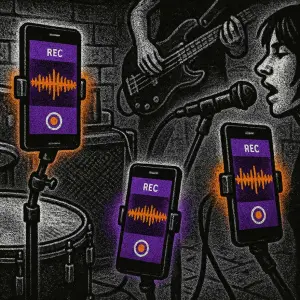
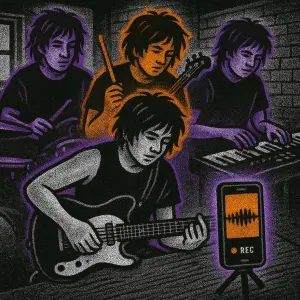
在每件樂器附近放置手機,作為專用麥克風。點擊一下即可同時開始所有手機的錄音,錄音後會自動同步。無需手動對齊——只要放置好手機,按下錄音,即可從您已擁有的設備中獲得專業的多軌隔離效果。
準備開始了嗎?
下載SONGTAKE,今天就開始錄製專業品質的音樂。無需信用卡。
由厭倦了語音備忘錄墓地的音樂人打造。