How to Record Music in Noisy Environments
This is YOU?
Background noise ruins every take.
Can't isolate your music from environmental sounds.
Trying to record in noisy places with voice memos sounds terrible.
Professional noise reduction requires expensive software.
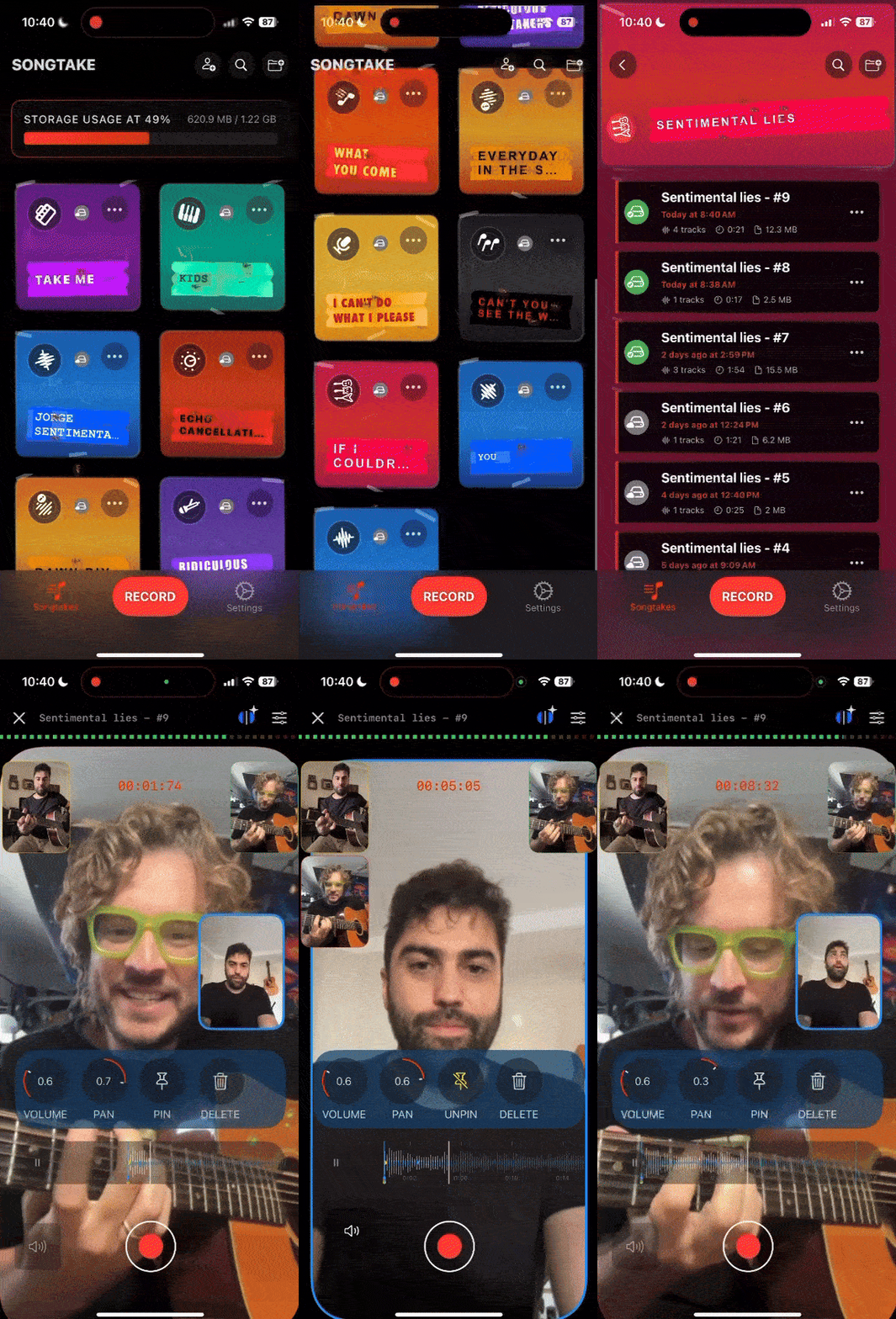
专业提示: TIP: SONGTAKE captures music clearly even in noisy environments, uses stereo mics to isolate your performance, and lets you position phones strategically to minimize background noise—professional recording anywhere.
常见问题
How do I record music in noisy environments?
Position your phone very close to your instrument (6-12 inches) in a noisy environment. SONGTAKE's stereo mics capture your music clearly while naturally isolating it from background noise. The close positioning ensures your performance is the dominant sound.
Will phone recording work in very noisy places?
Yes! By positioning your phone close to your instrument, SONGTAKE captures your music clearly even in noisy environments. Many street performers and live musicians use SONGTAKE for recording in challenging acoustic situations.
Can I use multiple phones to reduce background noise?
Absolutely! Use multiple phones positioned close to different sound sources. Each phone captures its nearest source clearly, reducing the impact of environmental noise. Perfect for recording bands or multiple instruments in noisy places.
How do I further reduce noise after recording?
Use AI stem splitting to separate your music from background noise, or open the same project on Mac with professional noise reduction tools. SONGTAKE gives you multiple options for cleaning up noisy recordings.
Can I record street performances or live situations?
Yes! Position your phone close to your instrument and SONGTAKE captures your performance clearly even with crowd noise, traffic, or other environmental sounds. Record video alongside audio to capture the full context of your live performance.
SONGTAKE与语音备忘录有什么不同?
SONGTAKE以真正的立体声录制,具有自动云备份、项目组织和多轨功能。与创建无名文件墓地的语音备忘录不同,SONGTAKE保持一切井然有序,在设备间同步,并准备好发展成完整的作品。
我可以用一部手机使用SONGTAKE吗?
完全可以!SONGTAKE用一部手机就能完美工作,用于录制编曲、和声和分层乐器。虽然多部手机提供多角度覆盖和更好的隔离,但一部手机就足以创建专业的带视频叠加的多轨录音。
我可以用SONGTAKE进行专业音乐录制吗?
可以!SONGTAKE从移动录制无缝过渡到专业桌面制作。从iPhone开始记录歌曲创意,然后在Mac上打开同一项目,使用专业的64通道接口进行混音和母带处理。这是灵感与制作之间的桥梁。
多手机录制如何工作?
将手机放在每个乐器附近作为专用麦克风。一次点击同时启动所有手机,它们会在录制后自动同步。无需手动对齐——只需放置手机,点击录制,就能从您已有的设备获得专业的多轨隔离。
准备开始了吗?
下载SONGTAKE,今天就开始录制专业品质的音乐。无需信用卡。
由厌倦了语音备忘录墓地的音乐人打造。