How to Record Worship Music and Church Services with Your Phone
This is YOU?
Trying to record services with one phone from the back sounds terrible.
Can't capture the full worship experience with multiple instruments.
Professional church recording requires expensive multi-mic setups.
No way to organize recordings by service, date, or song.
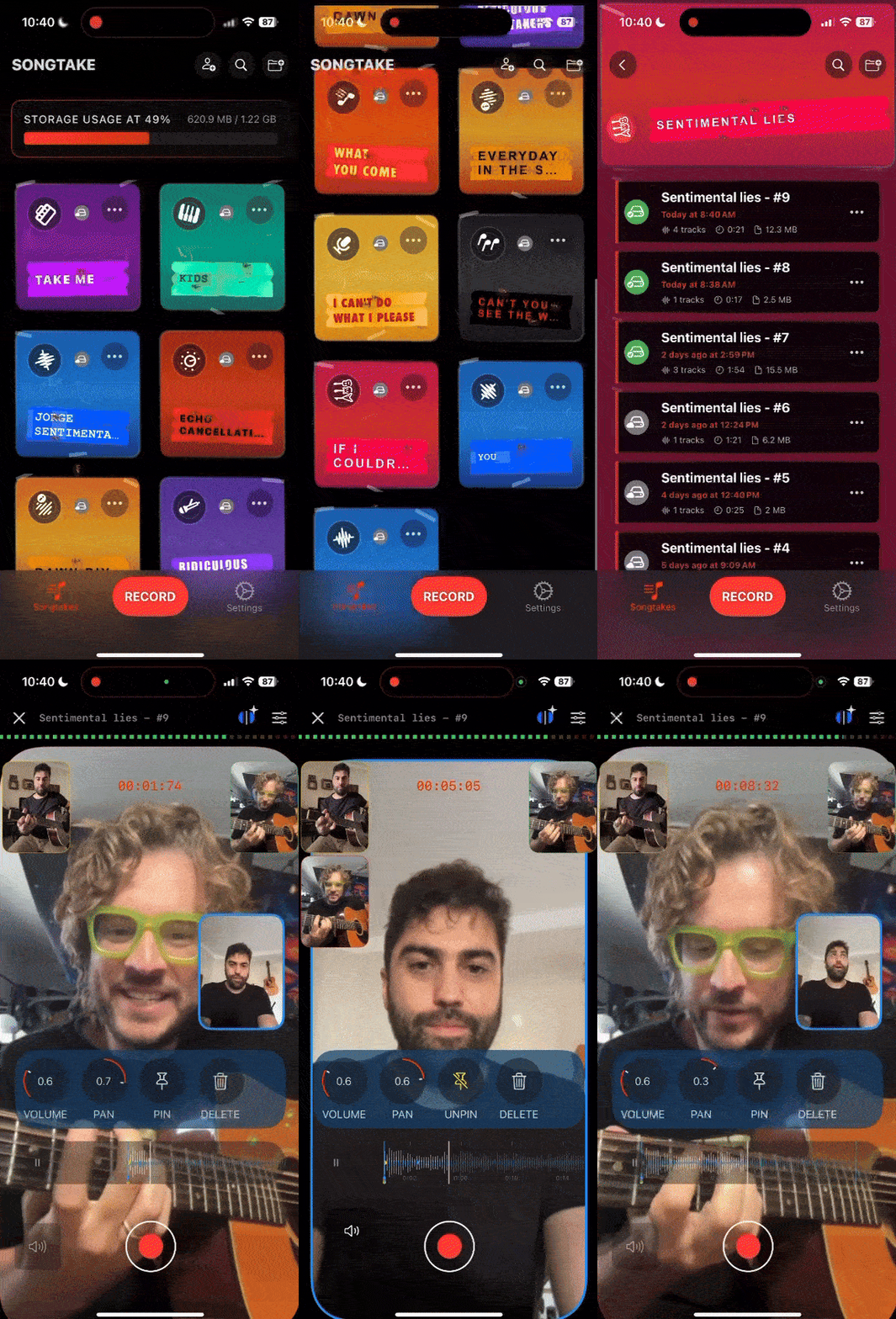
专业提示: TIP: SONGTAKE syncs multiple phones positioned around the church, captures the full worship experience, and lets you organize everything by service—professional church recording with phones you already own.
常见问题
How do I record worship music and church services with phones?
Position phones around the church—one near the worship team, one in the congregation, one at the soundboard. SONGTAKE syncs them all automatically, giving you isolated tracks for each part of the service without expensive multi-mic setups.
How many phones do I need for a church service?
3-4 phones give you excellent coverage: one for the worship team, one for the congregation, one for the message, and optionally one at the soundboard. Each phone captures its nearest source clearly.
Will phone recording work in echo-y church acoustics?
Yes! By positioning phones close to sound sources, SONGTAKE captures clear audio even in echo-y church spaces. Multiple phones positioned strategically give you professional worship recordings without expensive equipment.
How do I organize recordings by service date?
Keep all worship recordings organized by service date, song, or message. Every recording is automatically timestamped—find "that service from last Sunday" instantly instead of hunting through files.
Can I share worship recordings with the congregation?
Absolutely! Export full service recordings or individual tracks and share via simple links. Congregation members can listen to services they missed or relive meaningful moments—no massive file transfers required.
SONGTAKE与语音备忘录有什么不同?
SONGTAKE以真正的立体声录制,具有自动云备份、项目组织和多轨功能。与创建无名文件墓地的语音备忘录不同,SONGTAKE保持一切井然有序,在设备间同步,并准备好发展成完整的作品。
我可以用一部手机使用SONGTAKE吗?
完全可以!SONGTAKE用一部手机就能完美工作,用于录制编曲、和声和分层乐器。虽然多部手机提供多角度覆盖和更好的隔离,但一部手机就足以创建专业的带视频叠加的多轨录音。
我可以用SONGTAKE进行专业音乐录制吗?
可以!SONGTAKE从移动录制无缝过渡到专业桌面制作。从iPhone开始记录歌曲创意,然后在Mac上打开同一项目,使用专业的64通道接口进行混音和母带处理。这是灵感与制作之间的桥梁。
多手机录制如何工作?
将手机放在每个乐器附近作为专用麦克风。一次点击同时启动所有手机,它们会在录制后自动同步。无需手动对齐——只需放置手机,点击录制,就能从您已有的设备获得专业的多轨隔离。
准备开始了吗?
下载SONGTAKE,今天就开始录制专业品质的音乐。无需信用卡。
由厌倦了语音备忘录墓地的音乐人打造。